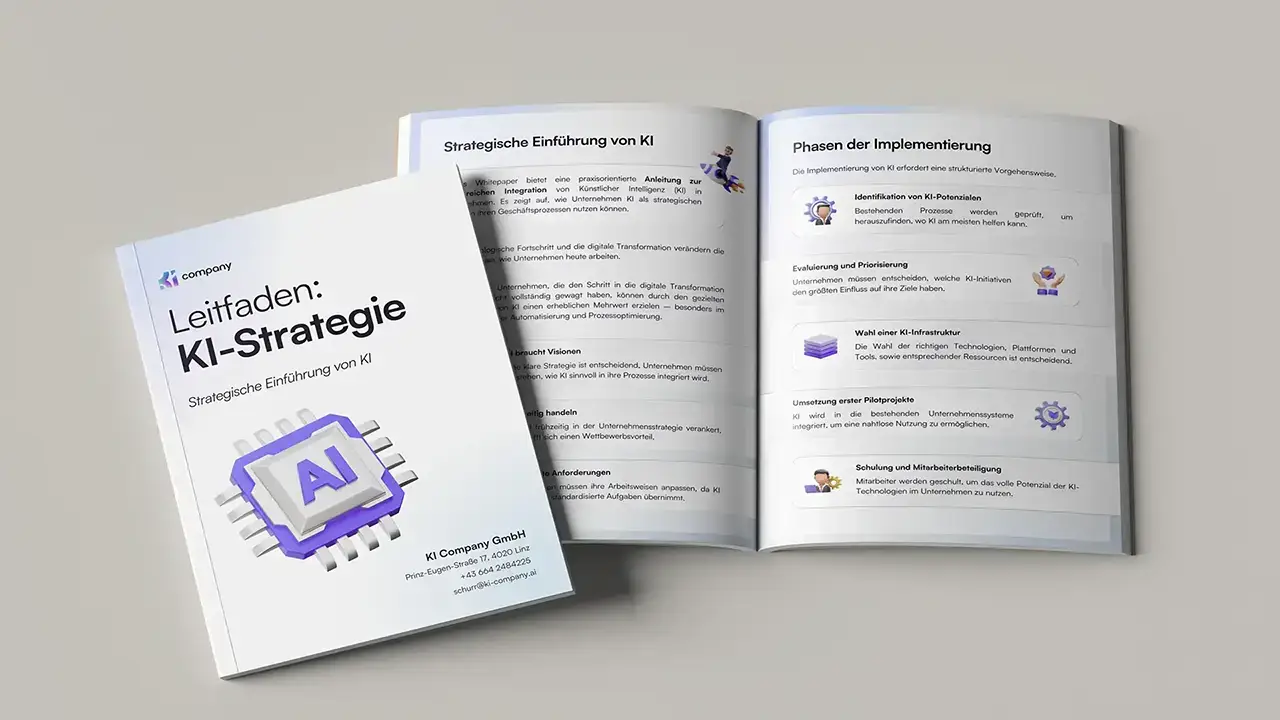
A AI guide helps companies get started with artificial intelligence in a structured, secure and practical way. In 2026, AI is no longer a “topic of the future,” but everyday life — from office to production. At the same time, there is a lot of uncertainty: Which applications are worthwhile? What is legally required? How do we prevent “wild growth” with tools? An AI guide answers exactly these questions.
In the following, you will get a specific AI guide for entry-level companies - with lots of examples that you can use to orient yourself directly.
Why companies should act now
Many companies are in the same position right now: First employees are using AI tools, individual teams are experimenting, but an overarching strategy is missing. At the same time, practice shows that digitized companies grow faster and are more productive with AI.
Typical starting position in companies:
- Individual “power users” are already working with ChatGPT & Co., often without official approval (“Shadow AI”).
- There are lots of ideas, but no prioritization — everything seems urgent and important.
- Legal and data protection issues remain unresolved, and responsibility is diffuse.
- Leaders are curious but don't want to “make a mistake.”
A AI guide provides orientation here: It defines goals, rules, responsibilities and initial use cases - and makes it clear what is permitted and what is not.
AI guide: Typical fields of application with practical examples
Before we start taking the steps, it's worth taking a look at typical fields of application that work in many companies. The WKO's AI guidelines already give numerous examples - greatly simplified and expanded below with practical pictures for your AI guide.
Practical examples for your AI guide:
- Marketing & communication
- Have social media posts generated from key points and checked by marketing.
- AI creates initial drafts for landing pages, product texts or newsletters, which are then adapted.
- customer service
- An AI chatbot answers standard questions about shipping, opening hours, returns.
- Incoming emails are automatically classified (complaint, request, offer) and distributed to the right people.
- Sales
- AI summarizes customer emails and meeting notes and suggests follow-ups.
- Lead research: AI searches for company news (e.g. new locations, financing rounds) and highlights potential sales opportunities.
- HR & Administration
- AI creates initial drafts for job advertisements, onboarding plans or standard letters.
- Invoices are automatically read out, checked and transferred to workflows.
- Production & logistics
- AI analyses machine data and reports anomalies (predictive maintenance).
- forecasts for demands or orders to optimize inventory levels.
You can include, adapt and prioritize these examples as an “idea pool” in the AI guide.

Step 1: Clarify goals and starting position
Before a tool is purchased, the AI guide should state: Why Are we using AI? Without clear goals, there is a risk of activism.
Specific questions that should be answered in the AI guide:
- What are the company's strategic goals (growth, efficiency, quality, innovation)?
- Which areas are experiencing the greatest pain today (e.g. lack of skilled workers in customer service, high manual effort in accounting)?
- Which data is already available in a structured way? (e.g. CRM, ERP, DMS, ticket system)
- Which AI activities are already underway today — officially and unofficially?
Practical example:
A B2B manufacturer realizes that the sales team spends a great deal of time on offer documents and inquiries. The AI guide therefore defines the first goal: “Speed up and standardize the preparation of offers.” This later results in a pilot project: AI-based offer texts based on templates and product data.
Step 2: Select and prioritize specific use cases
A good AI guide not only lists opportunities, but Name 5-10 prioritized use cases with clear people responsible.
Prioritization procedure:
- In a workshop, teams collect their ideas (“Where does manual work annoy us today? “).
- Every idea is based on benefit (time savings, quality, turnover) and feasibility (data situation, complexity, legal risks).
- The AI guide marks 1—2 start use cases per area.
Practical examples of what this could look like in practice:
- Use Case 1 — Create meeting minutes automatically
- Department: Management/Project Teams
- Goal: Less time for taking notes, better tracking of decisions.
- Implementation: AI meeting assistant in Teams/Zoom that transcribes and summarizes to-dos.
- Use Case 2 — Pre-sort application documents
- Department: HR
- Objective: Pre-filter CVs based on criteria (skills, experience, location).
- Important addition to the AI guide: HR always makes the final decision, AI only provides a pre-selection (keyword bias & fairness).
- Use Case 3 — Service chatbot for standard questions
- Department: Customer Service/Sales
- Goal: answer 20-30% of the most common questions automatically, hand over remaining inquiries cleanly to people.
The AI guide should contain a short profile of each use case - this way the overview is maintained.
Step 3: Regulate data & data protection in a practical way
Data is the fuel of AI — and at the same time the biggest risk. The WKO guidelines emphasize the importance of clear rules on personal, customer-related and company-related data.
Specific points that should be included in the AI guide:
- Which Data categories Can you enter into external AI tools (e.g. anonymized examples, public website texts)?
- What data is Absolutely taboo (e.g. health data, internal financial figures, unpublished strategy papers)?
- When is a Anonymization or pseudonymization Mandatory (e.g. for customer examples, project names)?
- How is it documented when AI processes personal data (data protection declarations, processing directory)?
Practical example:
- An HR department wants to use AI to summarize feedback conversations. The AI guide prescribes:
- Names are replaced with initials.
- Files are processed in an EU cloud.
- Employees are informed that AI helps with documentation.
Central component of the AI guide: a clear reference to the rule”When a tool is free, our data is usually the product“- i.e. check exactly what rights we grant a provider before using confidential content.
Step 4: Choose the right AI platform
Instead of buying dozens of individual solutions, your AI guide recommends a platform approach: a few well-integrated corporate AI components that cover different use cases.
Typical options in the AI guide:
- Productivity co-pilot
- AI directly in M365 or Google Workspace (e.g. Copilot, Gemini) helps you write, analyze, present.
- Case study: Sales use Copilot to summarize meeting notes in Outlook and generate to-dos.
- Enterprise AI platform
- Your own AI instance with connection to SharePoint, DMS, CRM, knowledge databases.
- Practical example: An internal “AI service desk” that searches guidelines, internal FAQs and process descriptions.
- special solutions
- Industry-specific tools, such as quality control in production, energy optimization, industrial or medical specialists.
The AI guide should be here Decision-making criteria Define: data location, GDPR compliance, integration capabilities, costs, vendor lock-in, support.
Step 5: Governance, Roles & “Shadow AI”
Many guidelines - including WKO and various studies - emphasize: Without governance, AI remains a patchwork. At the same time, studies show that around 50-60% of employees are already using unauthorized AI tools and often even enter sensitive data.
Your AI guide should therefore include the following elements:
- Role model
- Management: makes strategic decisions, has overall responsibility.
- “AI Steering Team” (IT, data protection, specialist areas): evaluates use cases & tools, creates rules.
- Departments: report ideas, are “product owners” of their use cases.
- Approval process
- How does a new tool go from idea to test mode?
- Who checks data protection, IT security, legal situation, license costs?
- Shadow AI rules
- What happens when employees use tools that have not been approved?
- How can they suggest new tools instead of acting “secretly”?
Practical example:
A company is launching an internal “AI ideas channel.” Employees can suggest tools and use cases there. A small committee evaluates new proposals every month and decides which go into a pilot. Shadow AI thus becomes a controlled innovation process.

Step 6: Build up AI literacy
The EU AI Act requires Article 4that companies ensure the AI competence of their employees when they work with AI systems. The concept of “AI literacy” includes understanding, responsible use and critical questioning of AI.
Your AI guide should therefore include training plan include:
- Basic training for everyone
- What is AI, what can it do, what not?
- Do's & don'ts when dealing with data, prompting basics.
- Specialization for specific roles
- Departments: How do I formulate good prompts for my tasks?
- IT & Data: Integration, Security, Monitoring
- HR & Law: Effects on the world of work, participation, compliance.
- Practice formats
- Lunch & learn sessions, AI consultations, internal “prompting challenges.”
- Experimental rooms where employees are allowed to test use cases — with test data, not with live customer data.
Practical example:
A medium-sized company runs a “AI driver's license” one:
- Stage 1: Basics (AI workshop).
- Stage 2: Department-specific exercises (e.g. protocols, emails, evaluations).
- Stage 3: Participating in a pilot project.
The AI guide describes these stages and makes participation a prerequisite in order to be able to fully use certain AI tools.
Step 7: Pilot projects, key figures & scaling
An AI guide only stays alive if it is Pilot projects with measurable results leads. Many guidelines recommend a clear process for this.
This is what the pilot process in the AI guide could look like:
- Define pilot (e.g., “Automate meeting minutes across sales teams”).
- Set KPIs (e.g. 50% less manual writing, employee satisfaction)
- Check risk (types of data, need for a data protection impact assessment).
- Start limited user group, duration e.g. 8-12 weeks.
- Evaluate feedback & data, document lessons learned.
- ruling: Scale, adjust, or discard.
Specific example:
- A service team is testing an AI-powered email assistant for 3 months.
- Before/after are measured:
- average response time,
- number of tickets per agent,
- correction rate for AI responses,
- Team satisfaction.
- Result: 30% faster answers, employees feel relieved — the AI guideline then provides for the rollout to other teams.
AI guide Conclusion: Start AI in a structured rather than headless way
A well-thought-out AI guide is more than an internal PDF — it is the framework for getting started with AI:
- He creates lucidity about goals, tools, data, and responsibilities.
- It reduces risks, because data protection, AI Act and copyright law are considered right from the start.
- It increases the acceptance, because employees understand what is allowed and how they benefit from AI.
- It eases scalingbecause pilot projects can be rolled out systematically.
The KI Company helps companies develop an individual AI guide - from initial workshops to tool selection to the implementation of specific use cases. If you want to create or further develop your own AI guide, you can always contact us without obligation.
AI guide: FAQ for companies
As a small or medium-sized company, do we really need an AI guide?
Yes — SMEs in particular benefit. An AI guide doesn't have to be long, but it should clearly regulate which tools are allowed, which data can be used and who decides when questions arise. Studies and practice guidelines emphasize that structure and rules are an important enabler for the use of AI in SMEs.
How do we prevent our AI guide from becoming “paper with no effect”?
Keep the AI guide concise, understandable and link it to specific measures: training, clear approval processes, visible pilot projects. Update it at least once a year and make it easy to find (intranet, onboarding documents, training).
Who should be responsible for our AI guidelines?
Management is formally responsible. In practice, a interdisciplinary AI management team proven - with representatives from management, IT, data protection, HR and the most important specialist areas. This team creates, maintains, and communicates the AI guide.
How does the AI guide fit in with the AI Act?
The AI Act prescribes, among other things, transparency, risk management and AI Literacy before. A well-designed AI guide is a building block for meeting these obligations: It documents rules, training, processes and responsibilities. High-risk systems require additional documentation, but the guidelines provide the basis.
How often should we revise our AI guide?
At least once a year — and in addition when new, business-critical AI applications are introduced or legal frameworks change. Many organizations deliberately treat their AI guide as a “living document” that grows together with the AI landscape.