Synthesia is a leading AI video generator that allows companies to create realistic avatar videos from simple text — without a camera, microphone, or studio. In just a few minutes, a script creates professional “Talking Head” videos, which are particularly suitable for training content, presentations and marketing.
Synthesia overview: What the tool does
Synthesia is a cloud-based text-to-video platform: You type in a script, choose an AI avatar and a language — and the platform uses it to create a video in which a digital person speaks your text. The videos run completely in the browser, no local installation is required.
According to the provider, Synthesia is used by over 50,000 teams, primarily for training, internal communication, marketing assets, and product explanatory videos. The platform supports over 140 languages and offers around 230+ digital avatars, making Synthesia particularly attractive for internationally oriented companies.
In essence, Synthesia solves three problems of classic video production: dependency on filming dates, costs for production teams, and the difficulty of updating content quickly. Instead of organizing an entire shoot, a new script is enough - the AI video is adapted within minutes.
Synthesia in use: Typical use cases in companies
1) Training and e-learning videos with Synthesia
The most important use case of Synthesia is training and e-learning videos. Learning and development teams can use it to:
- Provide standard training (compliance, security, processes) in video form
- Build modular learning paths without re-shooting for each module
- Update content quickly when processes or products change
Companies use Synthesia primarily for internal training, micro-learning modules, software introductions and short explanatory sequences. The combination of avatar, clearly structured slides and voice-over is particularly suitable for conveying complex content in short learning bits.
2) Onboarding, internal communication & knowledge base with Synthesia
In addition to formal training, many companies use Synthesia for “soft topics”:
- Onboarding videos for new employees (presentation of teams, tools, processes)
- Management updates and internal announcements that go beyond email
- Knowledge base videos that explain steps from SOPs or manuals
Because avatars are available in many languages, the same content can be adapted for different regions without having to organize new shoots every time. This ensures consistency and saves time at the same time.
3) Marketing & Sales: Synthesis in a Funnel
Synthesia also plays a role in the marketing and sales environment:
- personalized sales videos for B2B customers
- Product demos and feature explanations
- Social media clips and campaign landing pages
- simple website videos with a professional “on-camera” look
Synthesia is particularly interesting for products that require explanation: Instead of just showing screenshots, companies can create short video sequences with an avatar that clearly explains the range of functions and benefits.
Synthesis in practice: From text to finished AI video
Typical workflow with Synthesia
A Synthesia project usually follows a recurring process:
- Create script
Content is first developed as text — ideally in clear, oral language, with short sentences and defined chapters. - Select template
There are numerous templates available in Synthesia (e.g. training, product demo, FAQ, presentation) that already include layout, colors and placeholders. - Set avatar & language
You choose one of over 230 avatars and one of the 140+ languages; tone of voice and accent can also be adjusted depending on the plan. - Add slides & media
Logos, screenshots, screen recordings, or infographics are inserted into the scenes to visualize what is being said. - Generate video
Synthesia renders the video on the server side; timing, scene changes, and minor text corrections can then be adjusted.
Tips for better results with Synthesia
To make Synthesia videos look professional, a few proven practice rules help:
- Write scripts like spoken language, not like professional articles
- Keep scenes short (max 3-4 sets per slide)
- Use visual anchors (icons, highlights, callouts) in a targeted manner
- Work with CI-compliant colors, fonts and logo
- Define a clear goal and a clear call-to-action for each video
This makes Synthesia a scalable component in the content process — instead of just a “toy” in the AI experimental stage.
Synthesia Avatars & Languages: Large-scale personalization
Avatar library and customization in Synthesia
Synthesia offers an extensive library of 200+ to 230+ digital avatars — from neutral business avatars to different ages and backgrounds. Depending on the tariff, more or fewer avatars are available; in higher plans, you can also create your own avatars (digital twins).
Key customization options:
- Selection of an avatar suitable for the target group (e.g. support, management, sales)
- Customization of clothing, background and branding elements (logo, colors)
- Using different avatars for different departments or markets
For training purposes, for example, the HR department can use a different avatar than the sales team — while maintaining a uniform brand image.
Scale multilingual content with Synthesia
A big advantage of Synthesia is the support for over 140 languages and voices. Companies can adapt the same content into multiple languages without booking speakers or recording multiple times.
Typical scenarios:
- global e-learning modules with the same structure in many countries
- Product videos in multiple languages for international websites
- Country-specific onboarding videos for global teams
This makes Synthesia particularly interesting for internationally active companies and decentralized teams that need consistent messages in many markets.
Synthesia limits: Where AI videos reach their limits
Storytelling & emotion: Not ideal for every purpose
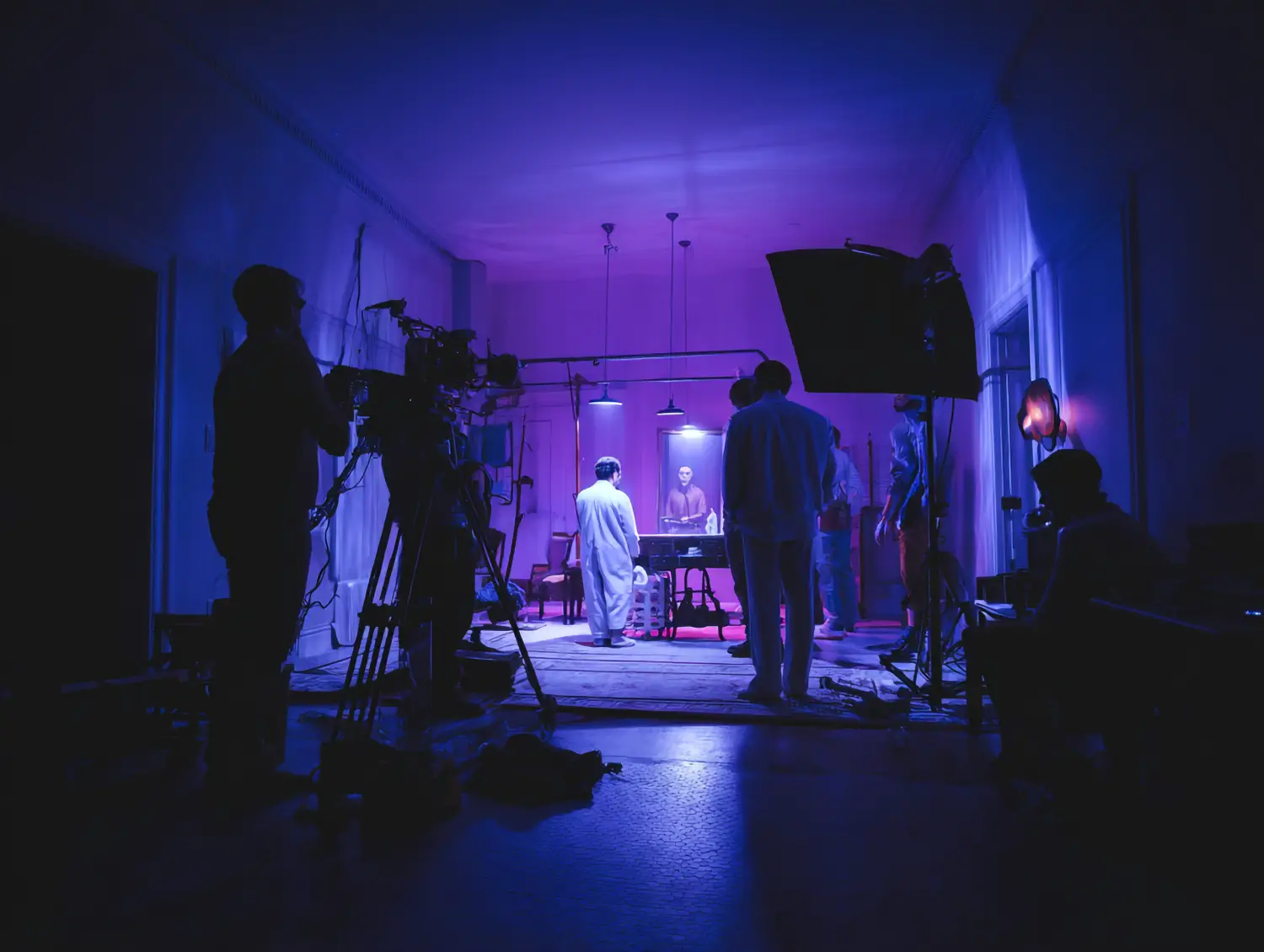
Synthesia shines with clearly structured “talking head” formats, but is not designed to create elaborate storytelling campaigns or cinematic visuals. Movements remain largely static; focus is on the spoken word plus accompanying slides.
For emotional brand films, elaborate image campaigns or very creative formats, classic video production with real people, sets and camera work is often the better choice. Synthesia is then more of a supplement than a substitute.
Privacy, Governance, and Quality Control
As with all AI tools, governance also plays a role in Synthesia:
- Scripts can contain sensitive content; this requires clarifying which data may actually be uploaded to the platform.
- In the case of personalized avatars (“digital twins”), consents, image rights and contractual regulations must be properly drafted.
- Companies need quality processes to ensure that content is professionally accurate, up-to-date and brand-compliant.
Synthesia does some of the production work — but not the responsibility for content, legal certainty and brand consistency.
Synthesia FAQ: Common questions from practice
Who is Synthesia particularly worthwhile for?
Synthesia is particularly suitable for companies that regularly create training, onboarding, product or explanatory videos - and where speed, scalability and multilingualism are more important than cinematic presentation. Learning and development teams, HR, support, and marketing typically benefit the most.
How realistic are Synthesia's avatars?
The avatars are among the currently more convincing AI “talking heads”: facial expressions and lip movements are well synchronized, but still appear slightly artificial when viewed closely. For training, internal communication and many B2B scenarios, the quality is usually sufficient to very good; for highly emotional brand films, less so.
Can I completely dispense with classic video production with Synthesia?
Yes for certain types of content — such as standard training, simple product explanatory videos or recurring updates. In practice, many companies are doing well with a hybrid approach: Strategically important campaigns are produced in the classic way, the “long tail” of training, how-tos and internal formats runs via Synthesia.
How safe is it to use Synthesia in companies?
Synthesia is designed as a B2B platform and, depending on the plan, offers features such as SSO, role and rights concepts, and enterprise contracts. But security always also depends on how you use it: What data do you enter, how do you regulate image rights for avatars, and what governance requirements does your company set?
Synthesia Conclusion: When the AI video generator makes sense
Synthesia is a sophisticated AI video generator that is particularly suitable for companies that need to produce a lot of explanatory content and want to save time and production costs. Training, onboarding, internal communication, support videos and many B2B marketing formats can be implemented much faster and more consistently with Synthesia than with traditional video production.
At the same time, it remains clear that Synthesia is not an all-purpose tool for every type of video. For emotional storytelling, complex campaigns or particularly individual visuals, other approaches are better suited. However, anyone who sees Synthesia as a specialized component in their own content and learning ecosystem can achieve measurable efficiency gains — especially in global organizations with many target groups and languages.
The KI Company helps companies use tools such as Synthesia strategically: from choosing the appropriate plan to designing video formats to integration into existing learning platforms, knowledge databases and marketing processes. If you would like to check how Synthesia fits into your video and training strategy, we would be happy to advise you without obligation.